
Coming soon
Your drawings, turned into task notes.
Coming soon: FieldDraft will read your drawing set and pull the spec notes that apply to each task, so your crew sees them where they work. The drawing-set blueprint reader isn’t enabled at launch.
FIELDDRAFT BY TERRARIDGE
The work is in the field. The proof is in the report.
Bring the notes, drawings, photos, and daily records together. Turn them into a clear project record your team can review and your client can understand.
For utility, civil construction, and environmental teams.
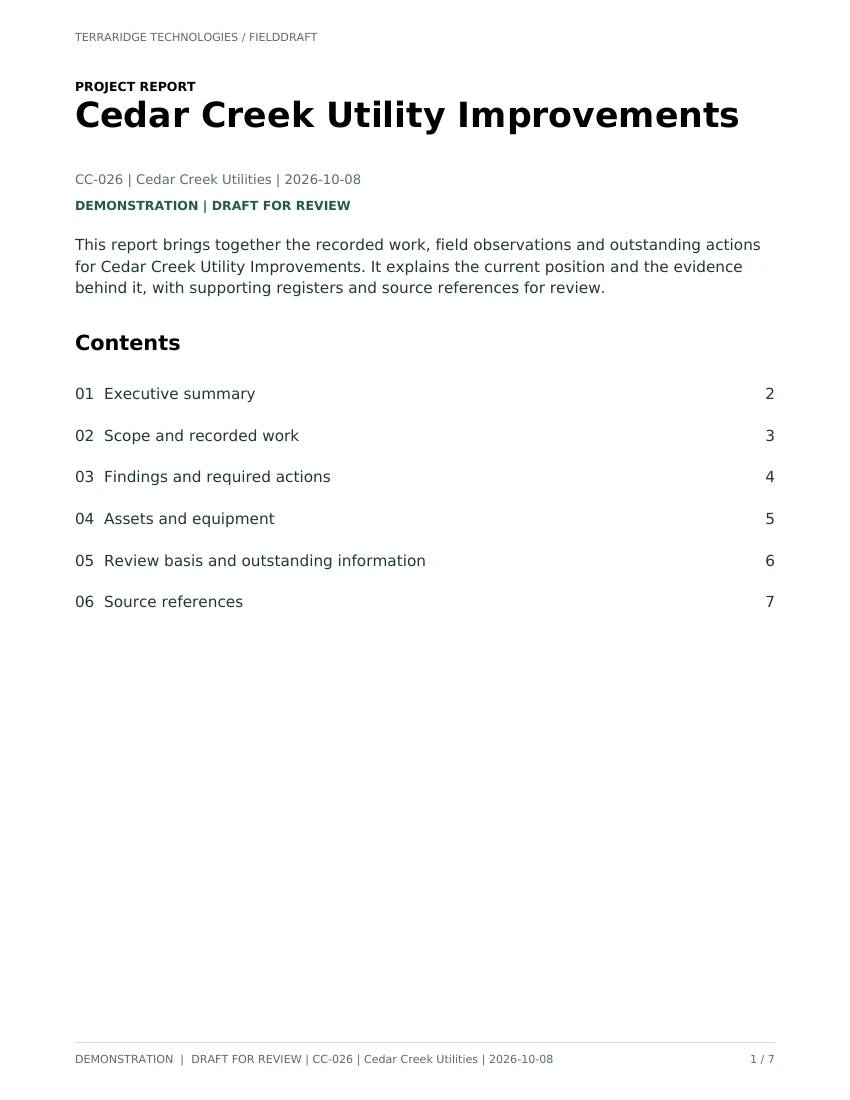
Daily logs, assets, notes and photographs.
Inspect proposed updates and their sources.
Professional reports with a clear review status.
SEE THE WORK COME TOGETHER
Less time assembling the update. More clarity on the job. See how FieldDraft brings project records, supporting evidence, and professional reports into one connected workspace.
In the film: upload daily logs, documents and field photos; review AI-proposed updates against their supporting evidence; track assets, deficiencies and corrective actions; and deliver Word and PDF reports in your company’s layout.
The workday ends, the paperwork doesn’t, you still have photos to organize, daily reports to finish, open issues to follow up on, and someone asking for a project update that’s scattered across six different files. You already did the work, documenting it shouldn’t become another job. That’s why we built FieldDraft, built for the people managing real work in the field, construction, utilities, environmental services, and maintenance.
FieldDraft brings your project records together and helps turn them into something you can actually use. Upload your daily logs, documents, and field photos. AI helps organize the information and proposes updates to your project records. Review what changed, check the supporting evidence, decide what belongs. You stay in control. Now those individual records start telling the story of the job. What happened, what changed, and what still needs attention. Track a gas meter, a curb inlet, a pump, or a piece of equipment with its location, condition, and supporting records.
Document a deficiency, assign responsibility, set a confirmed due date. Keep the closure evidence connected to the issue. When someone asks what happened, you have more than a memory and a camera roll. You have a record. Keep daily activity, RFIs, safety planning, and corrective actions connected to the project. Capture information from the field with mobile tools and offline support. Give your team a clearer handoff and give clients access to the information you choose to share. And when it’s time to deliver, make the report look like it came from your company.
Use professional Word and PDF layouts. Choose the sections you need. Apply your own priority wording. Or build a reusable Word template around the way your customers expect to receive their reports. Less rebuilding the same document. More consistency from one project to the next. Think about the time your team spends searching for a photo, rewriting an update, or figuring out whether an issue was actually handled.
That time has a cost. FieldDraft is built to help you put more of it back into running the job. Clearer records, stronger handoffs. A more professional picture of the work you do. FieldDraft from TerraRidge Technologies. Visit TerraRidgeTech.com and request a demo. See what your next project could look like.
IN DEVELOPMENT
A look at what we’re building next. These aren’t part of the launch release yet.
Coming soon: FieldDraft will read your drawing set and pull the spec notes that apply to each task, so your crew sees them where they work. The drawing-set blueprint reader isn’t enabled at launch.
Coming soon: choose any date range, like the last two weeks, and FieldDraft drafts your report from every daily log in it. Days with no log are skipped. The draft is ready at the end of your work week for you to review, edit and send.
Coming soon: in the Tread mobile app, you’ll be able to speak your daily log on site and get a written log ready to check and submit. Less typing at the end of a long day.
Features in development may change before release. Demo data shown is fictional.
SOFTWARE. DOCUMENTS. FIELD EXPERIENCE.
Make the record as strong as the work behind it. Run your reporting in FieldDraft, have us build your templates, or bring us a report that needs a clearer direction.
Bring project files, daily records, safety documentation, and client sharing into one workspace.
Explore the platform 02 / CUSTOM TEMPLATESYour process, your paperwork. Purpose built forms and report templates that fit your work, your company, and your clients.
Build your template 03 / REPORT CONSULTINGMake the record make sense. Get help organizing field information, strengthening report structure, and finding the gaps.
Discuss your reportFIELDDRAFT / YOUR PROJECT WORKSPACE
One job. Every record. A clearer picture. From the first field note to the report your client receives, keep the information connected and your team in control.
Extract proposed updates from project files, compare them with saved records, and inspect the supporting text before applying changes.
See overdue actions and information checks. Keep daily logs, safety records, and asset details connected to the project.
Give clients their own portal. Choose the projects and the project files they can see.
Completed inspection of the treatment system and documented equipment condition. Recorded follow up items for the next site visit.
Hazard
Vehicle and pedestrian interaction.
Control
Define the work area and review site access with the crew before mobilization.
Example only. Review every analysis against the actual work and site conditions.
Track fixed infrastructure and mobile equipment. An inventory entry does not claim an inspection was completed.
DOCUMENTATION SERVICES
Documentation support built around your project. Our template and consulting services are available separately from FieldDraft.
CUSTOM TEMPLATE WRITING
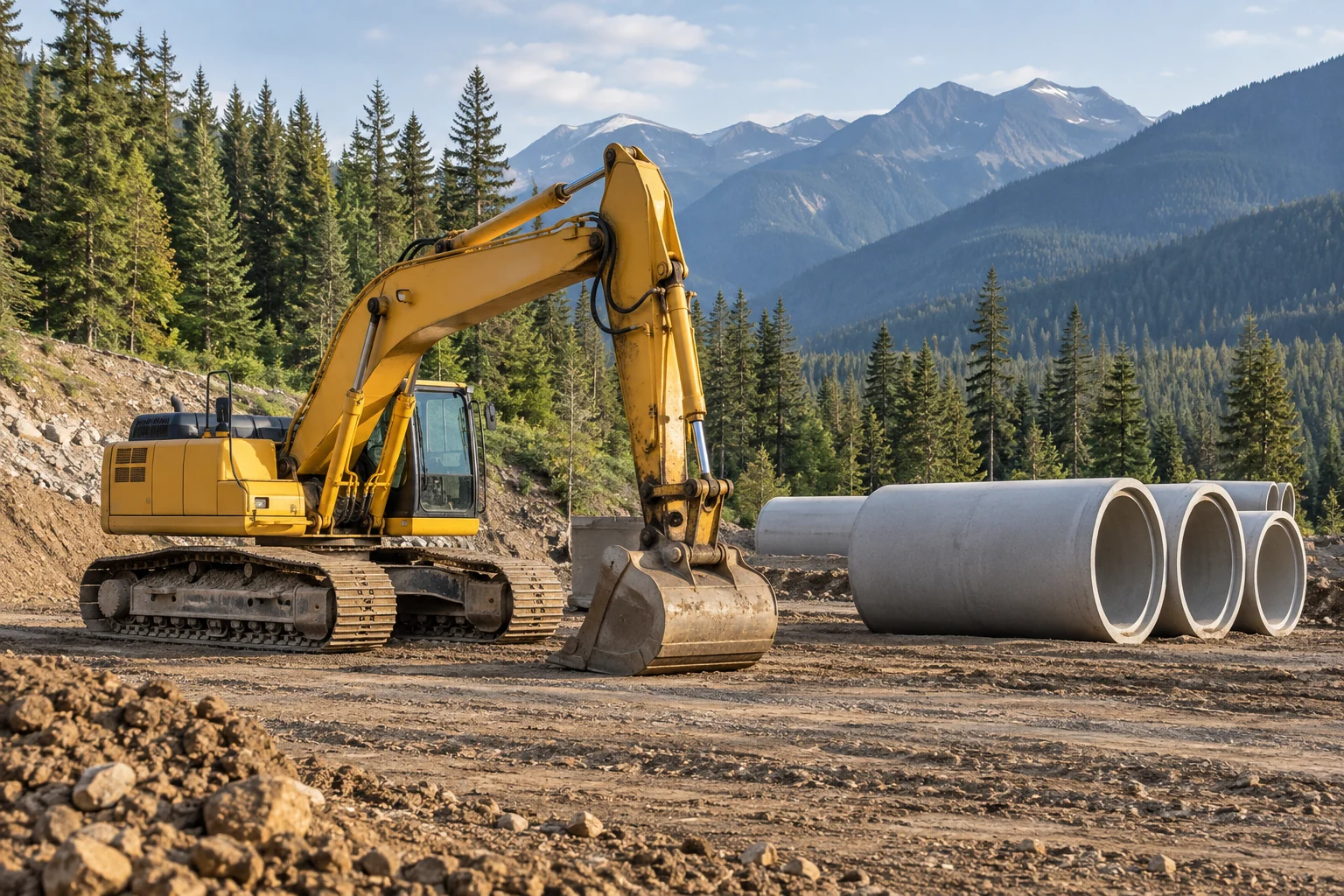
Illustrative image
Replace a collection of mismatched forms with clear, consistent documents your team can actually use.
Tell us what you need to capture, who will use it, and what the finished document needs to look like. We’ll agree on the scope, price, and revisions before work begins.
REPORT CONSULTING
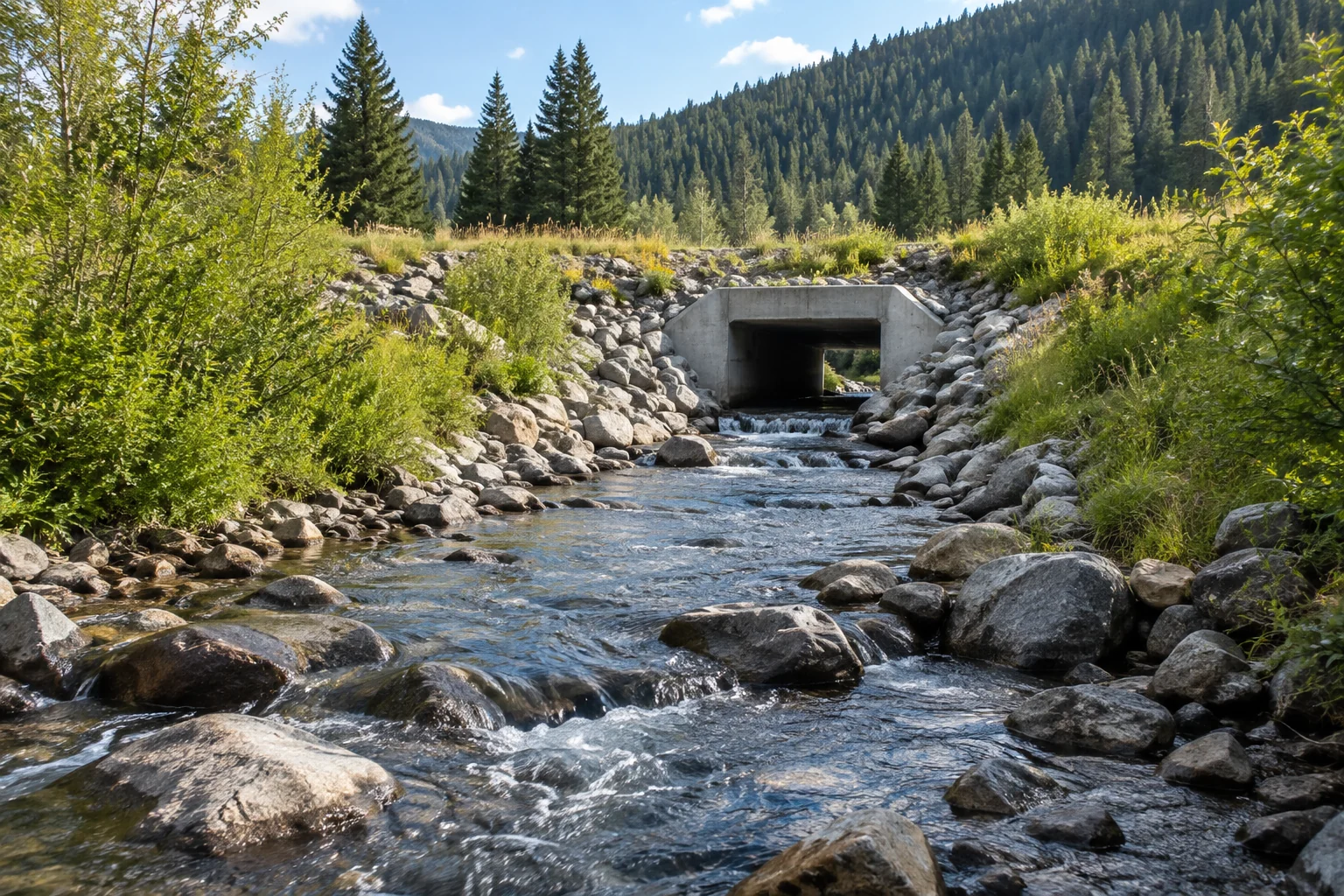
Illustrative image
Bring the notes, the draft, or the reporting problem. We’ll help you turn the available information into a more useful record.
Support is quoted by report or project. Technical conclusions and final approval remain with your responsible project team.
THE DELIVERABLE MATTERS
A report you can put in front of a client. Clear project details. Readable asset registers. Traceable findings. A consistent document layout that carries the record from your workspace to Word or PDF.
Read the demonstration report (PDF, 7 pages, 152 KB) ↗Narrative sections, a table of contents, supporting data tables, and clear page breaks.
Drafts, information gaps, source references, and reviewer entries remain part of the record.
AI helps organize and draft. Your team reviews the evidence and authorizes the result. FieldDraft does not certify compliance or approve work on your behalf.
“Installed length is measured from the daily work records; delivery quantities alone do not establish completed construction.”
“The October 8 correction changes only the October 7 installed length from 140 LF to 125 LF.”
“Pressure testing remains scheduled for October 12, with no completed test result or operating release in the records.”
The demonstration report is an illustrative example. FieldDraft proposes updates from the files you upload, and your team reviews each one before the project record changes. When a later document corrects an earlier one, confirm the corrected value during review; earlier values are not replaced automatically.
FIELDDRAFT PLANS
The full workspace, with a plan for your team. Choose the team size and client access you need. All plans include the core reporting tools and access to AI assisted reporting.
$400/ month
For an individual managing field records and client deliverables.
$750/ month
For crews and project teams sharing the reporting workload.
$1,000/ month
For larger teams coordinating more work and more clients.
Room to grow. Each client portal gives a client access to the projects you choose and only the project files you select. Sharing whole sections, such as daily reports, RFIs and assets, is coming soon. Additional client portals: $50/month each. Additional storage: $0.020 per GB/month.
Report writers use a paid seat; field uploaders and viewers will be free. Until that change is live, every team login, including a pending invite, uses a seat. Prices in USD. Storage allocation and AI usage terms are confirmed in your package. We arrange your account and invoice directly with you.
LET’S TALK ABOUT YOUR WORK
Show us your workflow and we’ll show you FieldDraft. Tell us what you build, inspect, or maintain. We’ll walk through how your project records, review process, and finished reports could work in FieldDraft.